2D vs 3D view
TrainPanel offers two complementary views of the same layout, available via the 2D / 3D toggle in the toolbar. Conceived as a complete 3D model railroad simulator and layout designer, it lets you place, move, and configure track elements seamlessly in either view. According to your preferences, you can switch at any time between the geometric precision of the 2D plan view and the interactive realism of a high-fidelity 3D model railroad simulation.
2D view
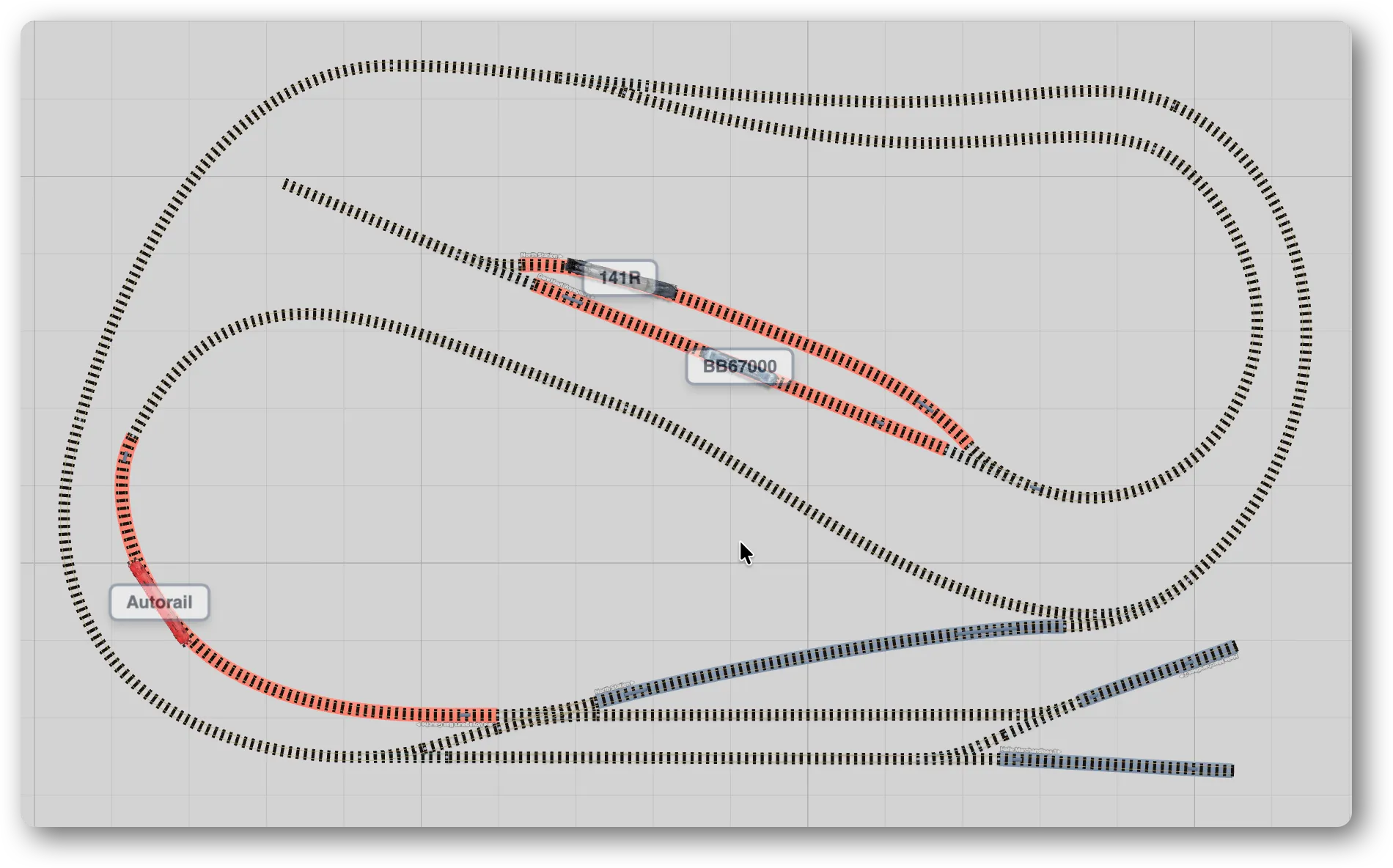
- Orthographic camera looking down.
- This is the design view: precise, undistorted, ideal for alignment and measurement.
- Apparent distances are to scale.
3D view
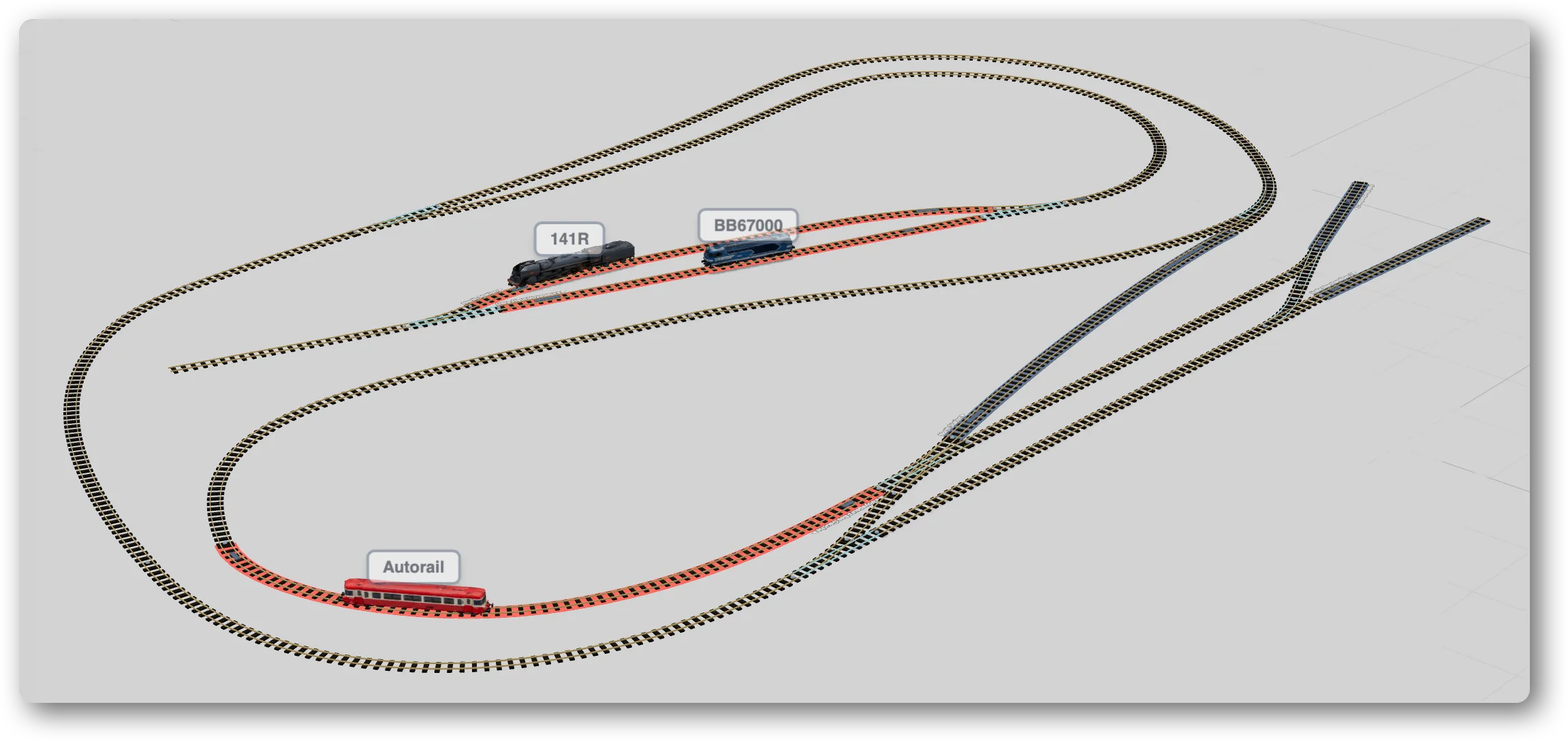
- Orbital perspective camera.
- Immersive rendering of locomotives, terrain and travel paths.
- Handy for visually checking the layout, following a train, presenting your work.
Camera navigation (both views)
| Action | Mouse | Keyboard |
|---|---|---|
| Pan | Right-click drag | Arrow keys |
| Rotate (3D) | Left-click drag | Alt / Option + arrows |
| Zoom | Wheel | + / - |
| Fit to screen | Fit button in the toolbar | — |
In 3D, the camera is clamped so it can’t go below the layout plane (no looking up from underneath).
Labels
The Labels toolbar button shows tracks, blocks and sensors identifiers directly on the canvas. It can be useful when editing a big layout, or to quickly identify an element.
Light / dark theme
The theme button toggles the interface between light and dark. Rail, block and travel colors adapt to stay readable.